You are here Stock Functions > Stock Receipts > How to process a stock receipt from a scanner file

How to process a stock receipt from a scanner file

The product stock receipts allows for a file to be uploaded for the product receipted quantities.'
  1. Select File / Stock Receipts
  2. Select the transaction to be receipted - scan transaction barcode or search and select transaction (transfer, purchase order or ad hoc receipt)
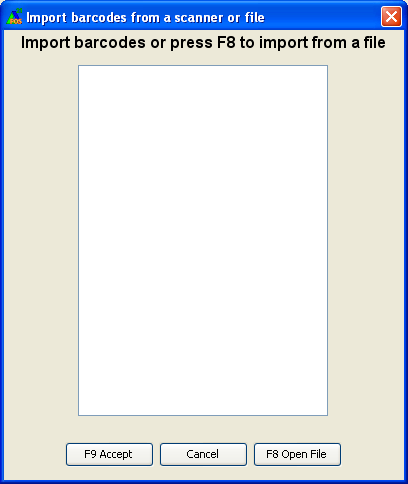
  3. Select <Alt+I> Import or click the button with a mouse to bring up a pop up screen
  4. Select <F8> Open File or click on the button with a mouse to bring up the following screen:

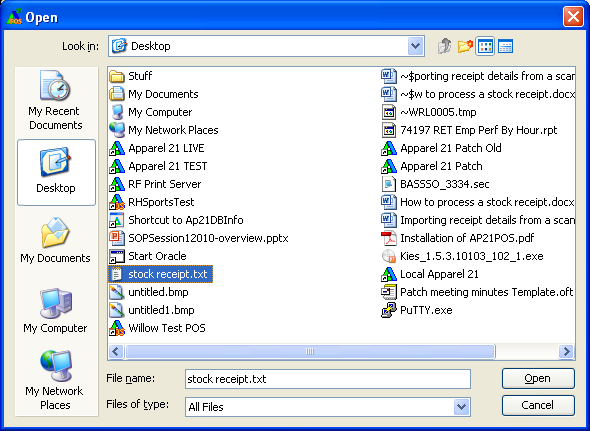
  5. Select the file to import:

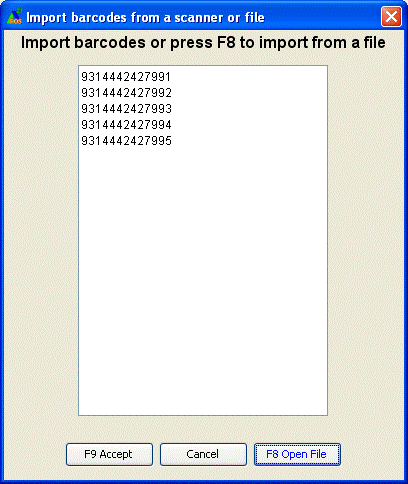
6.Select <F9 Accept> to finish the import.

File format

Text files can be imported as the receipted products.

The expected file format is single line barcodes.  The expected file details are:

Barcode

See sample following:  

9314442427990

9314442427991

9314442427992

9314442427993

9314442427994

9314442427995

The Barcode must include the check digit. The Barcode can be the product barcode or the carton barcode if the selected transaction is a transfer that has been packed into cartons at head office.

See also

How to process a stock receipt

Quick stock receipts by scanning carton / bag barcodes